1 / 4
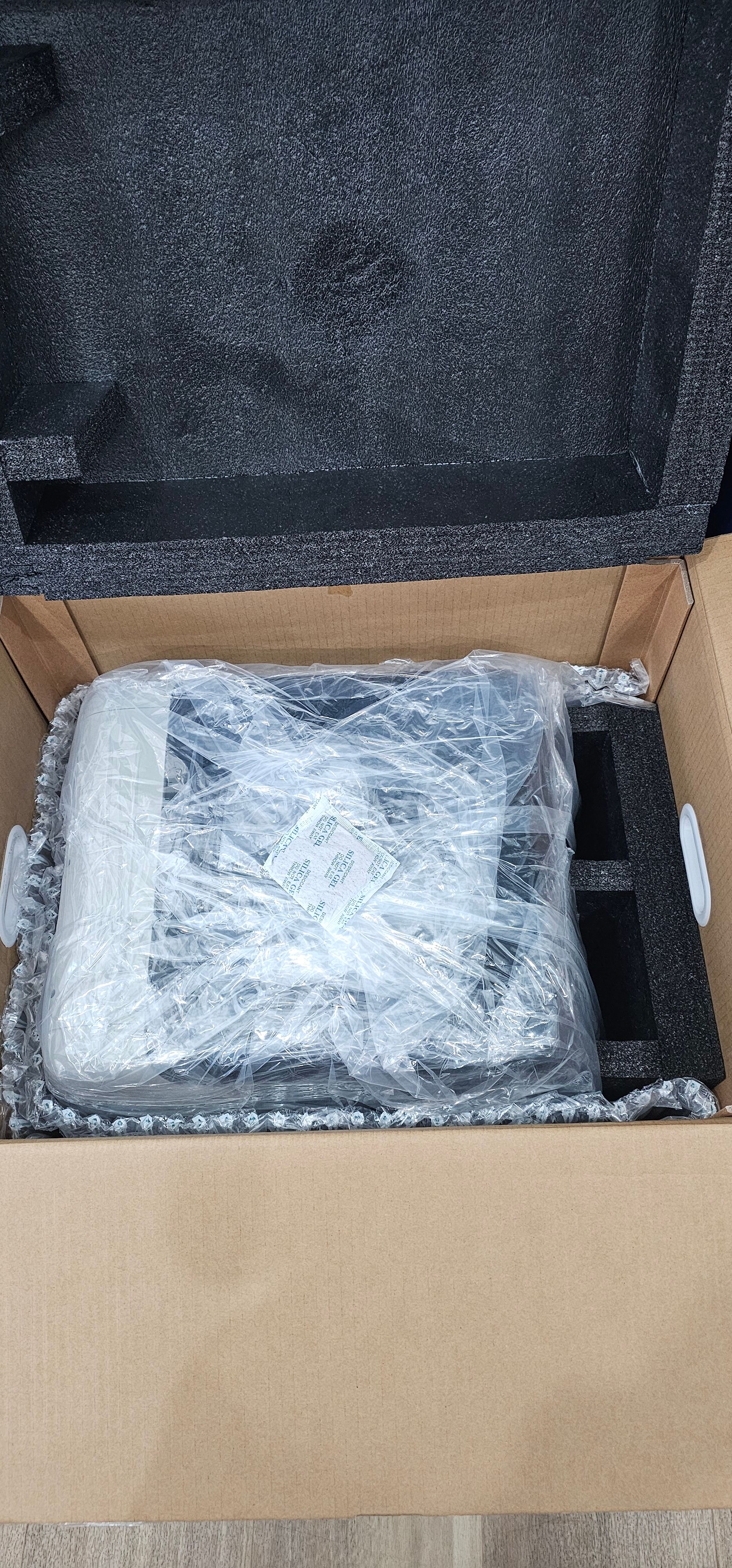
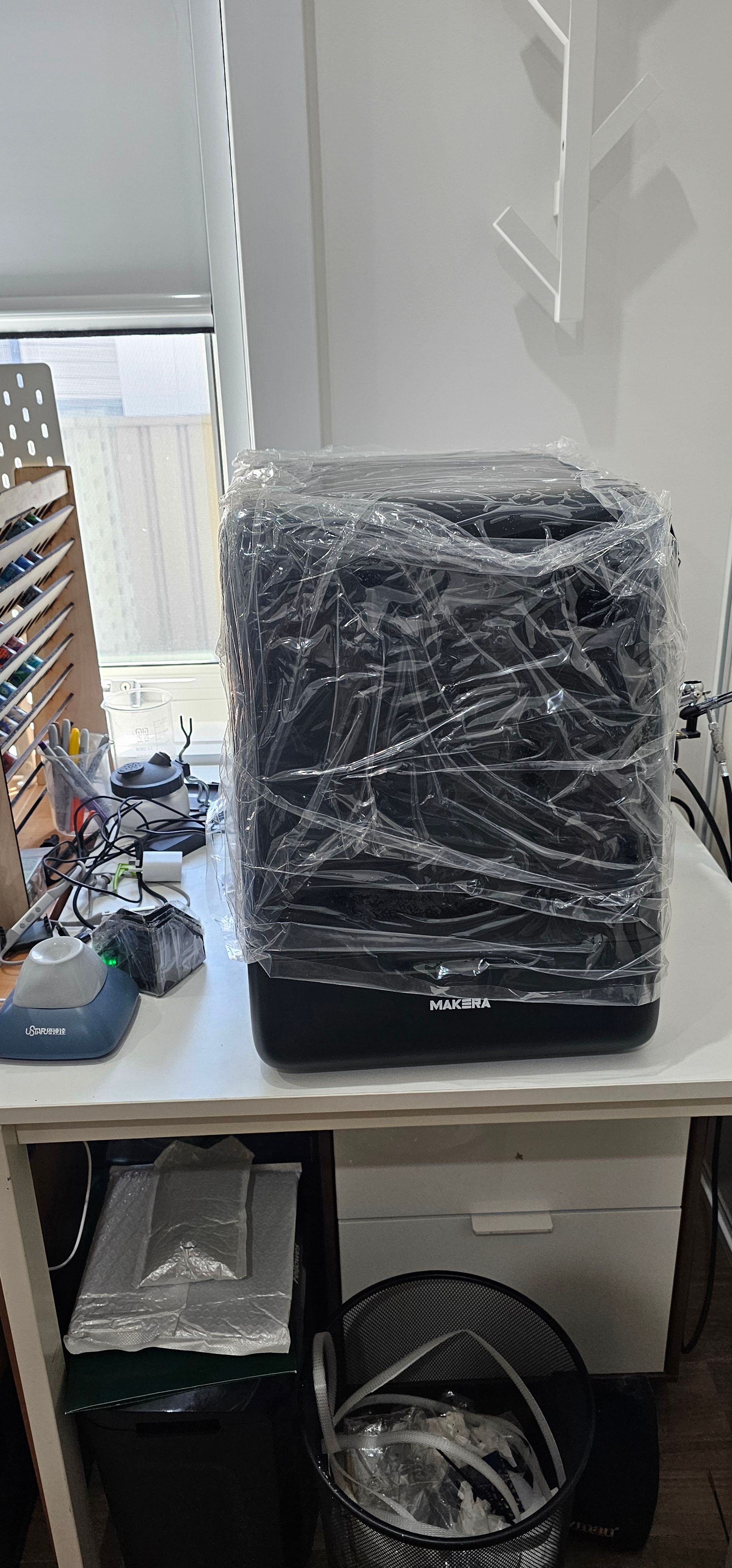
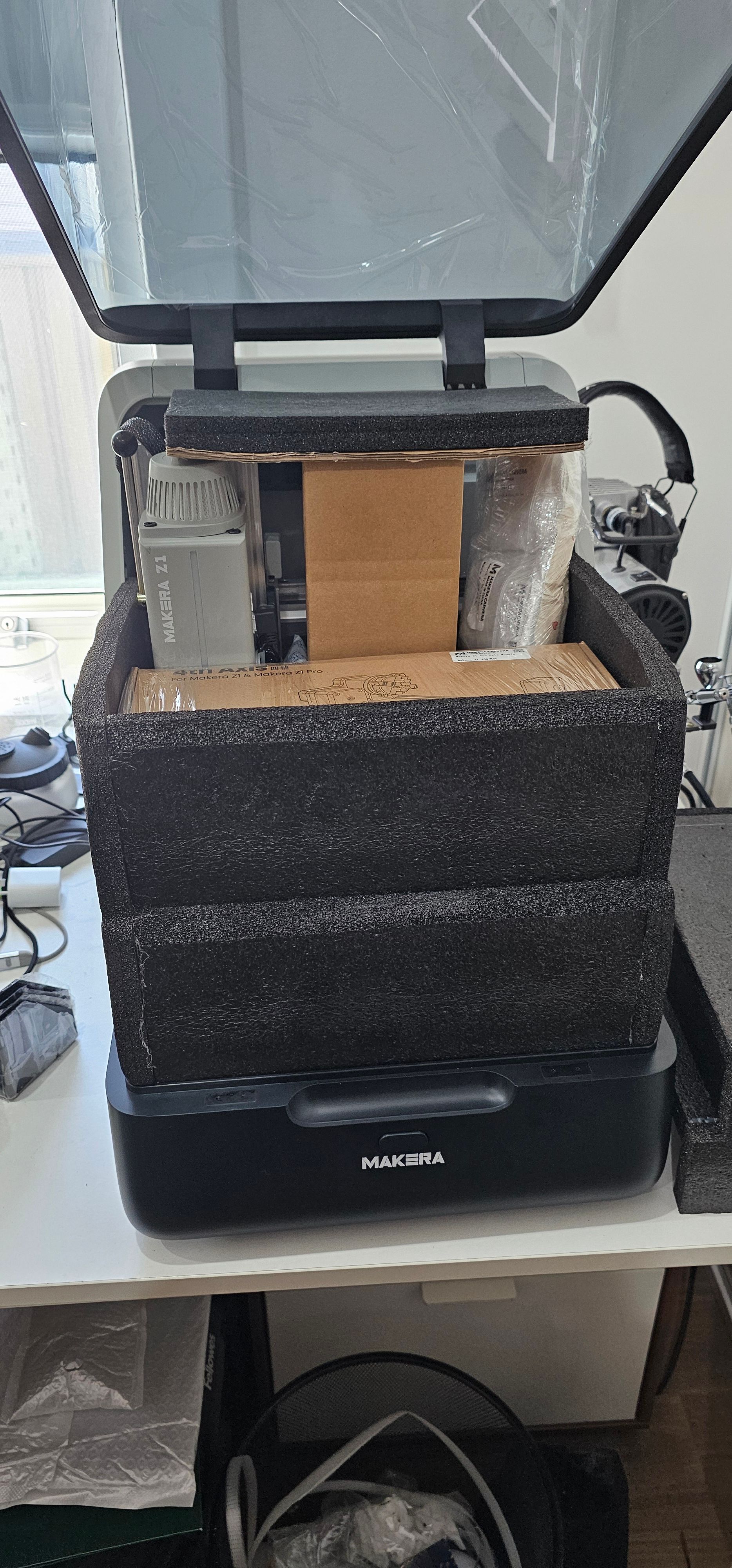
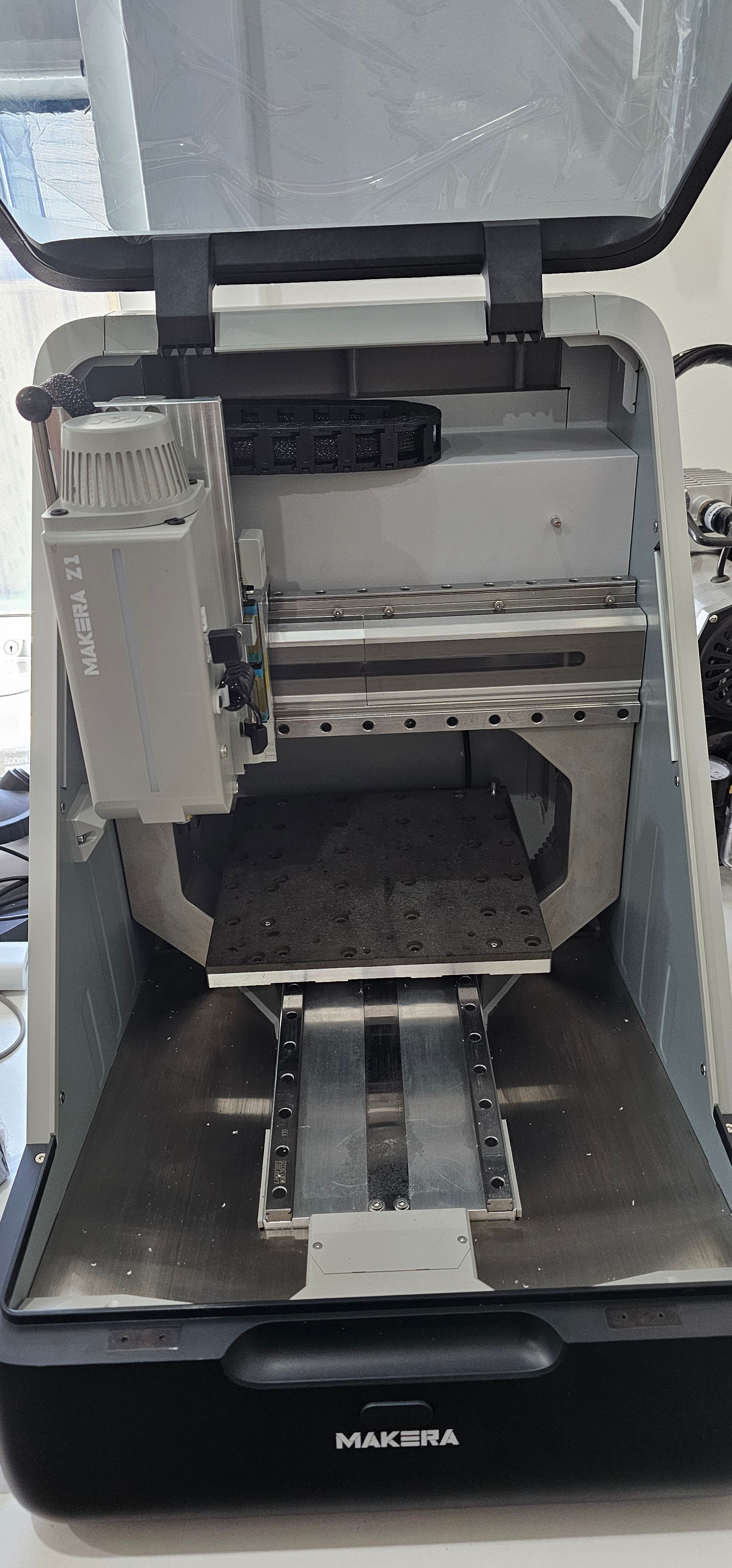
Makera Z1 Pro
Backed the Kickstarter in 2025.
Upgraded to the Makera Z1 Pro option that was annouced later in the campainge.
Also got the following add-ons \ bonuses:
- Low Profile vise
- 4th Axis Module
- Ionising Module
- 3D Wired Probe
- 6mm Collet, 3.175mm to 6mm sleeve & 6mm bits
- Threading bit up to M6 size
Setup
The setup was quite easy and I didn’t have any issues (I’ve seen online that some user had issue updating).
- Downloaded Makera Studio
- Installed on PC
- Started Makera Studio
- Went to the device tab and found the Z1 straight away
- Alerted about Firmware update, so downloaded and installed that.
- Restarted the device.
- Installed the Makera Android app
- Connected and controlled the Z1 a bit
First Project
For some reason I had the great idea I should dive in and make my own first project, instead of running the preloaded Top Clamp project.
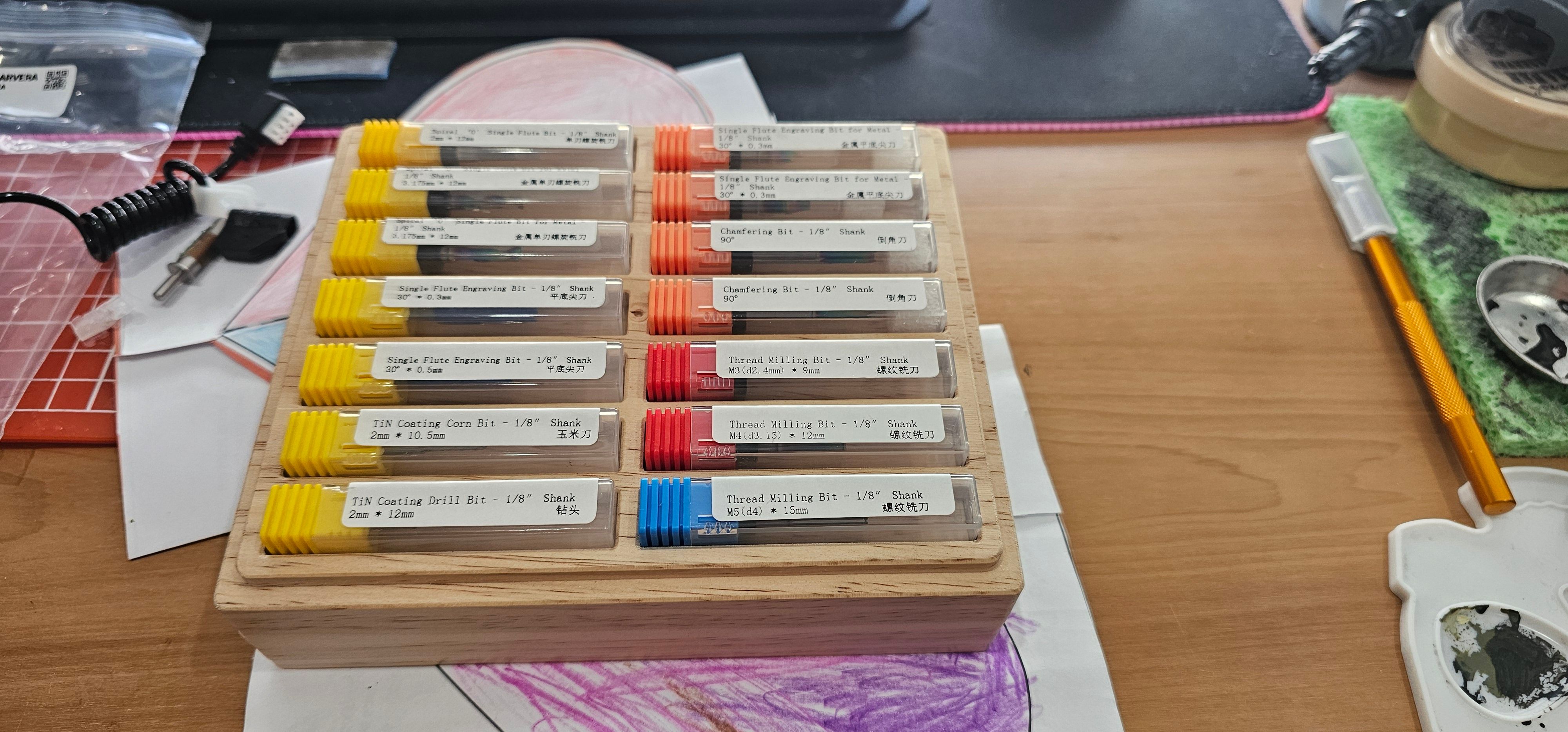
The first project I though it would be easy and useful to design is a Bit holder.
- Measured up the bit containers.
- Found some wood. The piece of wood in hind sight was too thick (40mm).
- Drew a rectangle then put some more rectangle for the bit containers. 7x2 rows for bits.
- Saw there was some extra space, so decided it would be a good idea to make a lip so that it would be possible to stack another on top (in the future).
- At the same time I thought rounded corners would look nicer.
- Started generating tool paths, then realised that I didn’t have any bits that would be able to cut along the full depth of the side.
First chips coming off
Final Box with bits
💬 Comments 0
Sign in with Google, Microsoft, or confirm your Email with a 6-digit OTP to join the discussion.
No comments yet. Be the first to share your thoughts!